Migos Video AI
Migos Video AI — Turn Two Photos Into a Viral Rap Video
Upload two photos and get your own AI Migos video in minutes — same Hotel Lobby orange booth, same moves, same beat. No app, no prompts, no editing.
Generate your Migos-style video
Two photos are all that is needed: your reference photos go on the left and the render plays on the right. The orange booth template is already set, a failed render never consumes credits, and everything stays on this page while it runs.
Example output
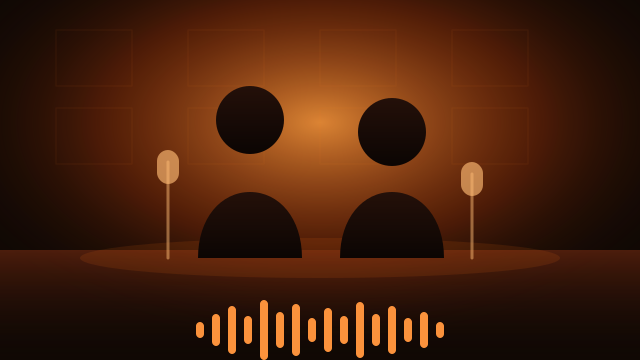
Orange booth, two people
Two uploaded portraits, rendered as a short on-beat clip in the warm studio light of the Migos orange booth video template.
How it works
- Step 1
Upload two photos
One clear, front-facing photo per person. Even lighting and no sunglasses give the template the most to work with.
- Step 2
Choose a template
The orange booth look is preselected for this trend. Switch to a variation if you want a different colour grade.
- Step 3
Generate
Submit the job and watch the progress here. Renders usually finish in a few minutes, and you can keep reading this page while it runs.
- Step 4
Download and post
Save the clip and post it. Short clips keep the pacing feed-friendly.
Frequently asked questions
- What is Migos Video AI?
- Migos Video AI is a trend-driven style of AI video generation: you upload two portrait photos and the model produces a short clip that copies the warm orange studio look and the on-beat pacing of a Migos-style music video.
- How many photos do I need?
- Exactly two. Use one clear front-facing photo per person, with even lighting and no heavy filters.
- Do I have to edit the video or add music myself?
- No. The template supplies the camera movement, the colour grade and the pacing. You only choose the two photos and the style.
- How long does a render take?
- Most renders finish within a few minutes. Progress stays on this page, so you can keep scrolling the guide while the job runs.
- What happens if the render fails?
- A failed render does not cost anything: the credits reserved for the job are returned to your balance automatically.
- Can I use the result commercially?
- Only with the consent of the people in the photos, and only if you own or are licensed to use the source images. Do not upload photos of public figures or of anyone who has not agreed.
Buy credits
Each generation costs credits based on the template, and failed generations are not charged. Pick a credit pack to get started. If you are not signed in, you will sign in on this page first, and your selected pack will not be lost.
Payment is completed on Stripe's hosted checkout page; cancelling or abandoning payment does not add credits. After payment you will return to the payment result page, where the result is based on the server-side order status.